An agentic coding platform
Describe an app.Your agent puts it online.
Polls, guestbooks, leaderboards, small shops. Describe what you need to our agent or to the one you already use, and receive a working app with a shareable link. Your app stays editable, so you can keep refining it long after the first version.
Free to use. No account, nothing to install.
From a sentence to a live app
A private browser window, no account, and a single request on the build page - followed by the finished app, opened from its link just as any visitor would.
The build is shown sped up. Everything else is in real time.
Not a one-shot
Most generators produce a result and leave you with it. Here the app keeps running where it was built, so you and your agent can continue working on it.
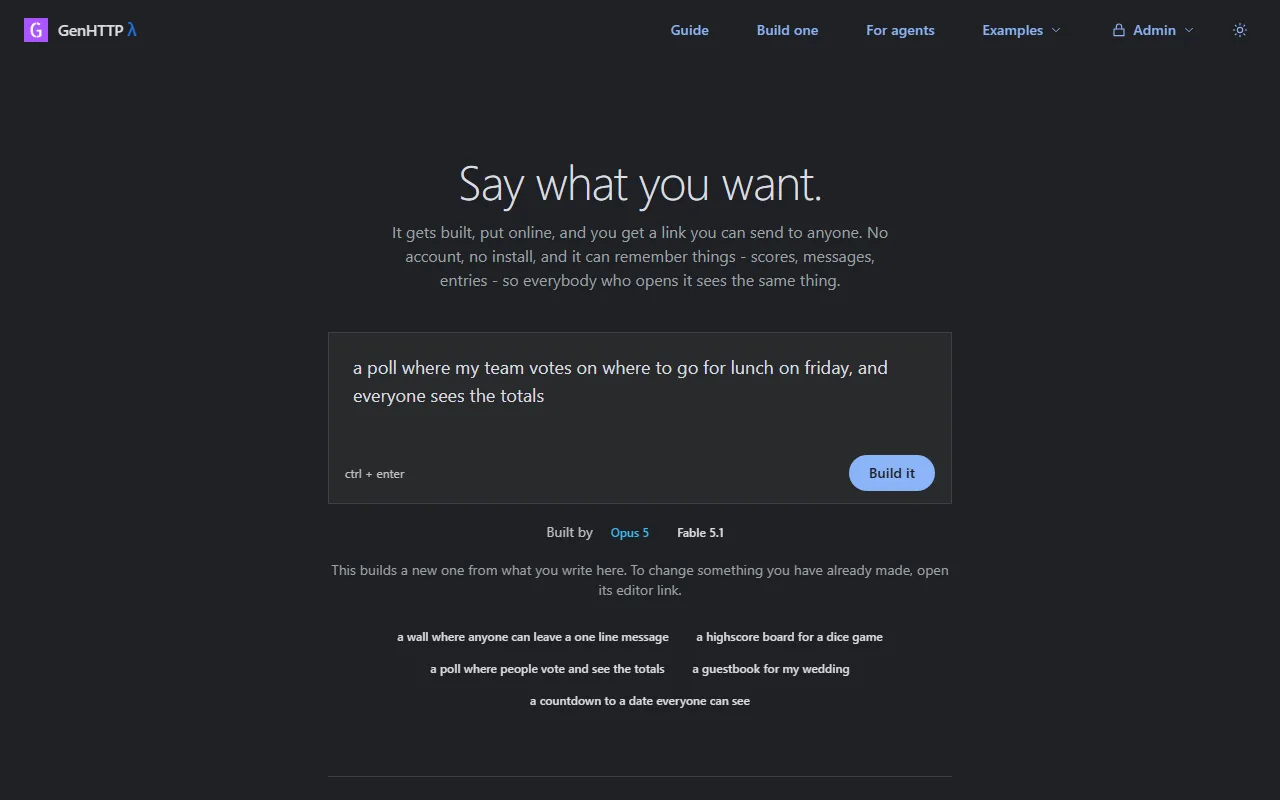
Say what you want
Describe it in plain language, either to the agent on this site or to the one you already use. No code, no setup and no account required.
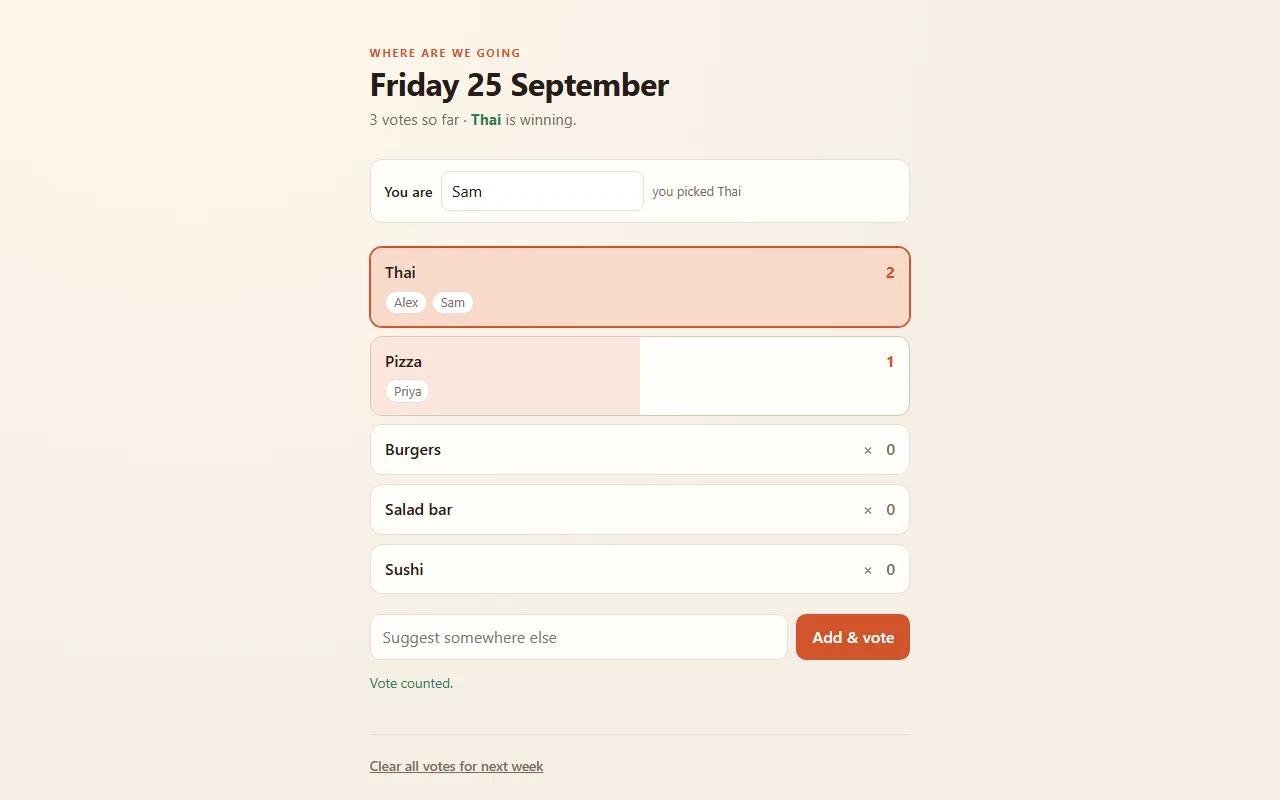
Get a working app and a link
The app is built, deployed and returned as a public address you can share. It keeps its data - votes, scores, messages - so everyone who opens it sees the same state.
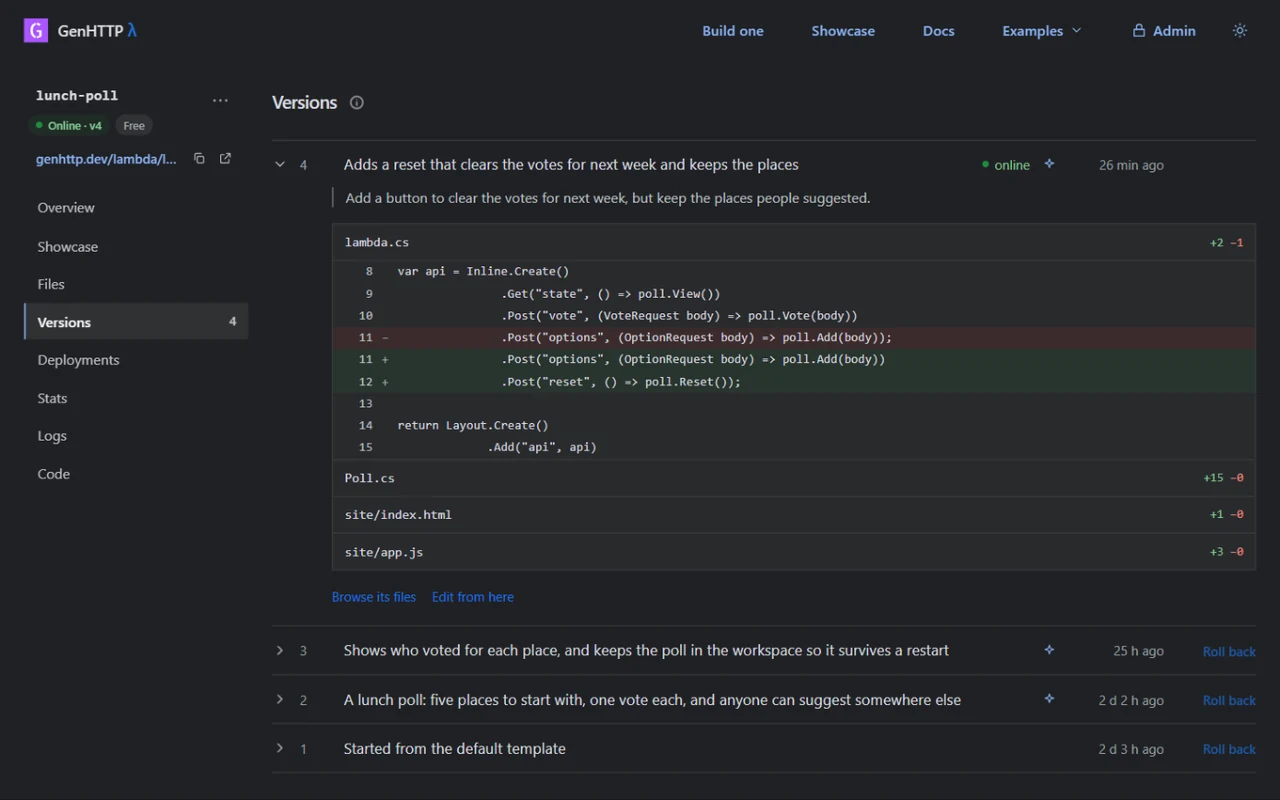
Keep improving it
Every app comes with a private editor link. Hand it to your agent along with the next change, or open it yourself. Each change becomes a new version, and the address stays the same.
A week later
Bring your favourite agent
Already working with Claude or another assistant? Connect it to this address and it can build, deploy and update apps here - directly from the conversation you already have open.
https://genhttp.dev/mcpClaude on the web or desktop
Open Settings, then Connectors, and choose Add custom connector. Paste the address above - no API key or sign-in required.
Claude Code
Run this once in a terminal:
claude mcp add --transport http genhttp https://genhttp.dev/mcp
Other MCP clients
Cursor, VS Code, Codex and other MCP clients support remote servers. Configure them with the same address.
Then simply ask: build a sign-up sheet for our team event and put it online.
Talk to us
Need help, planning something larger, or looking for a solution built for you? We would be glad to hear from you.